

How to use Offline Submissions
When you open the app without an internet connection, a message will appear letting you know you’re now in Offline Mode.
You can still enter your tests as usual.
1. Once you have completed a postal or on-site test and tapped Submit, a pop-up message will appear saying Saved test to Local Storage, confirming that your responses have been stored on your device.
2. Then, you can click on Done.
3.Following the Fernox App Update – July 2026, offline submissions are now automatically synchronised when an internet connection is restored, eliminating the need to manually resubmit samples.
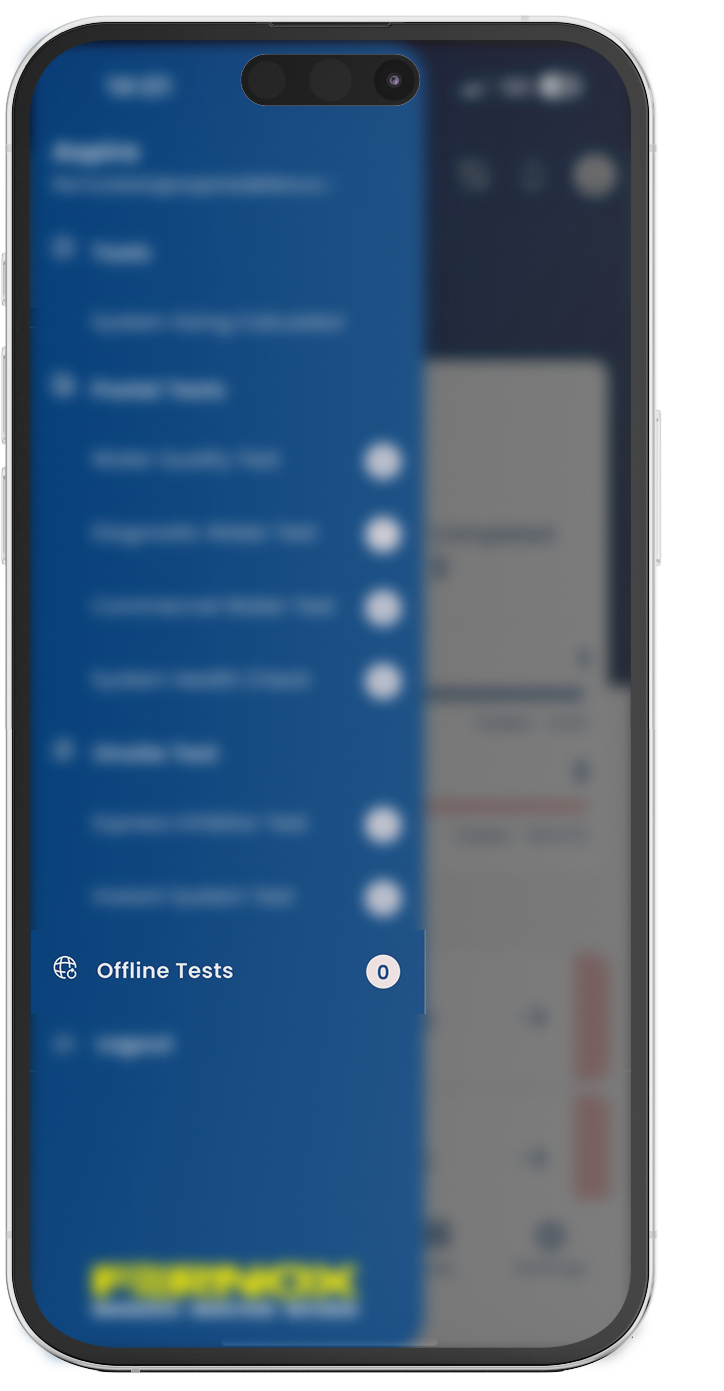

You can still view your offline submissions in the Offline Tests section of the left-hand menu while they are waiting to be synchronised. Once the app successfully uploads them, they will automatically move to the appropriate test category, where they will appear with the relevant test type and status.